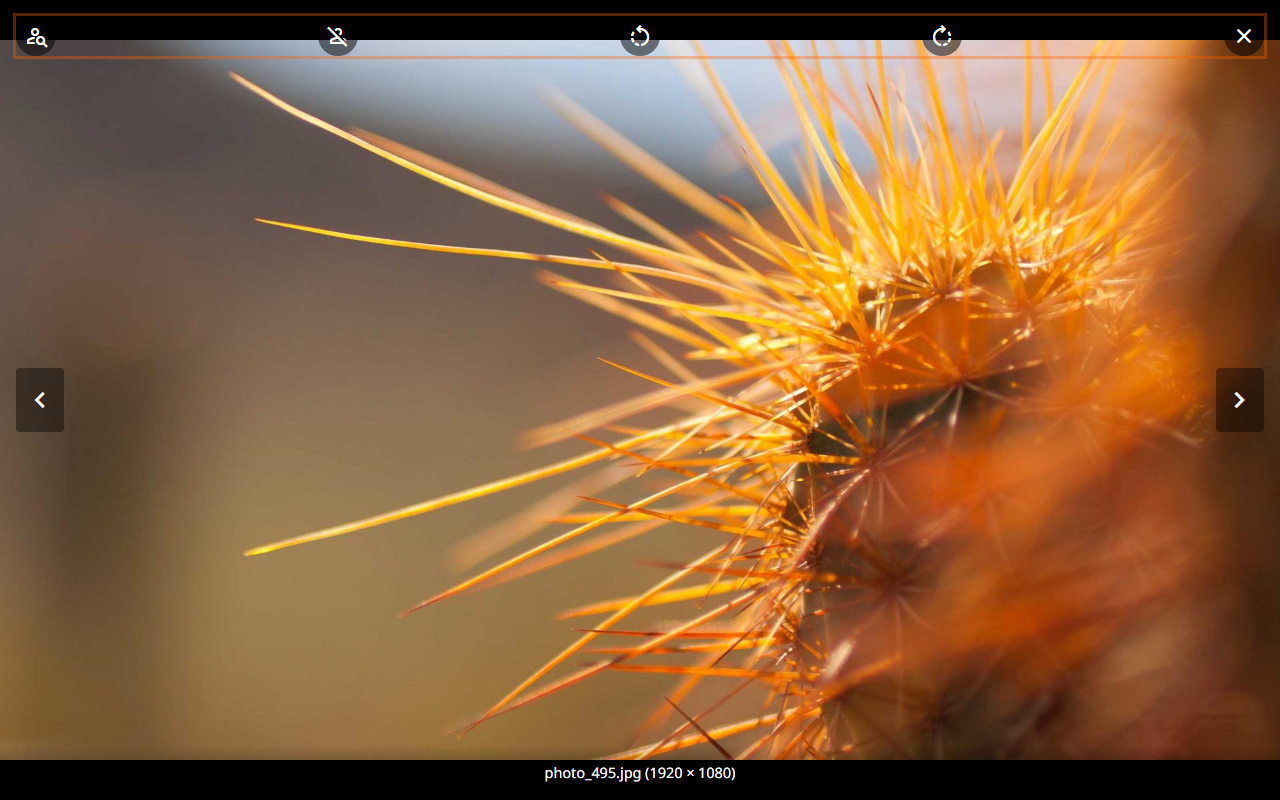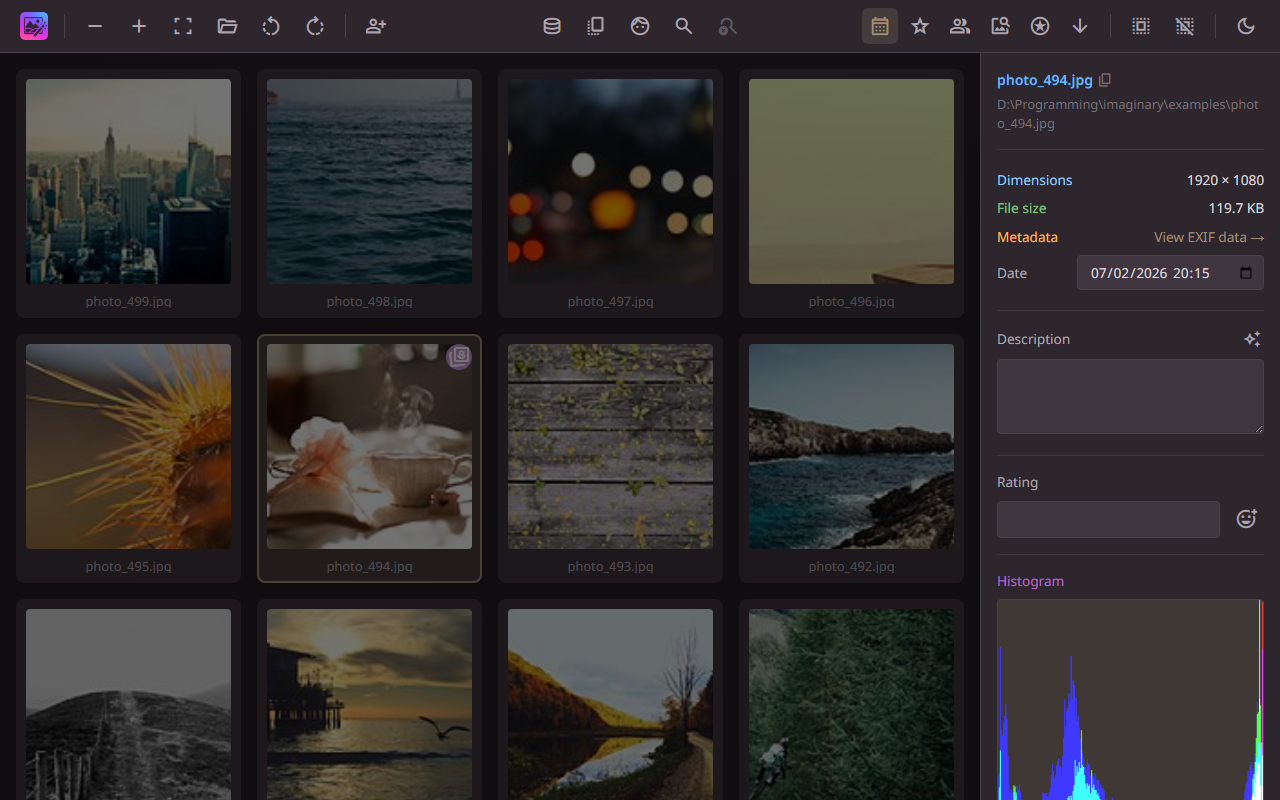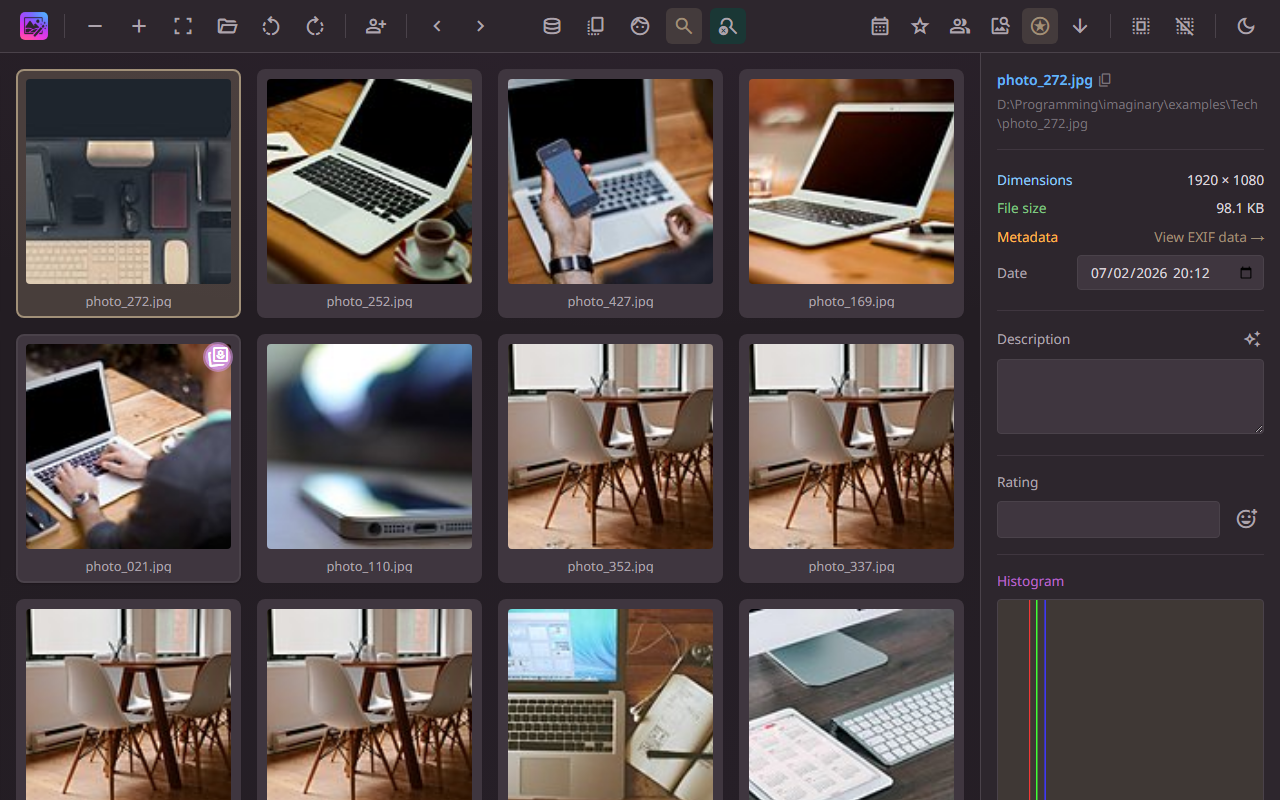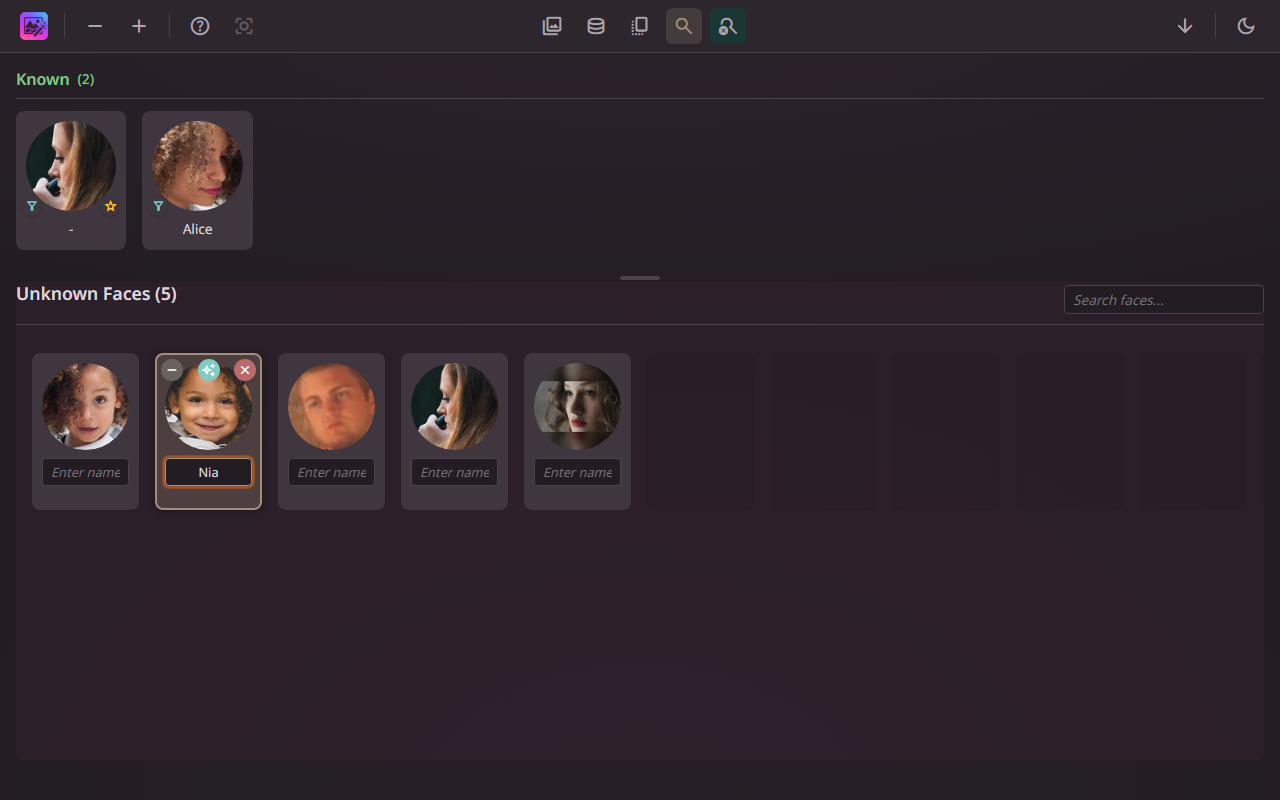
Your images. Your machine. Your rules.

AI-powered local image catalogue with semantic search, face recognition, and duplicate detection. Runs entirely on your machine — no cloud, no accounts, no tracking.
Features

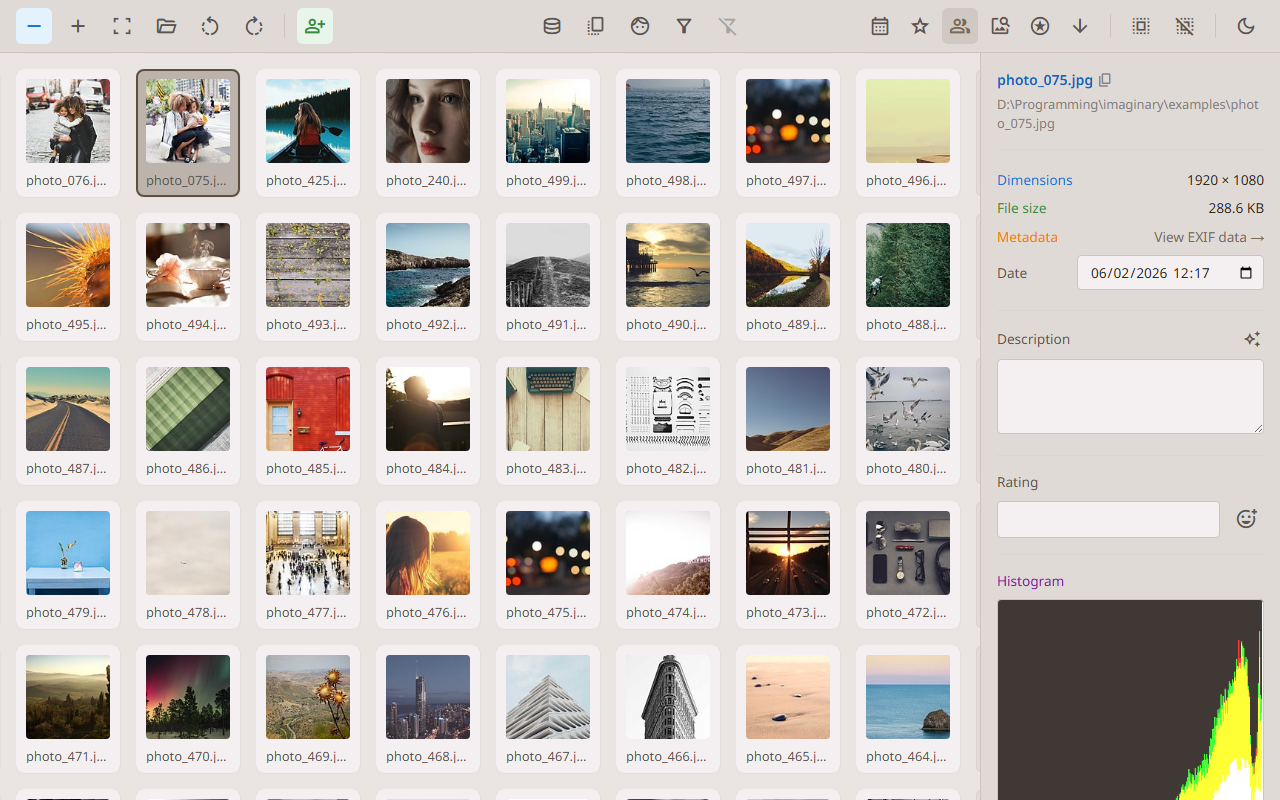
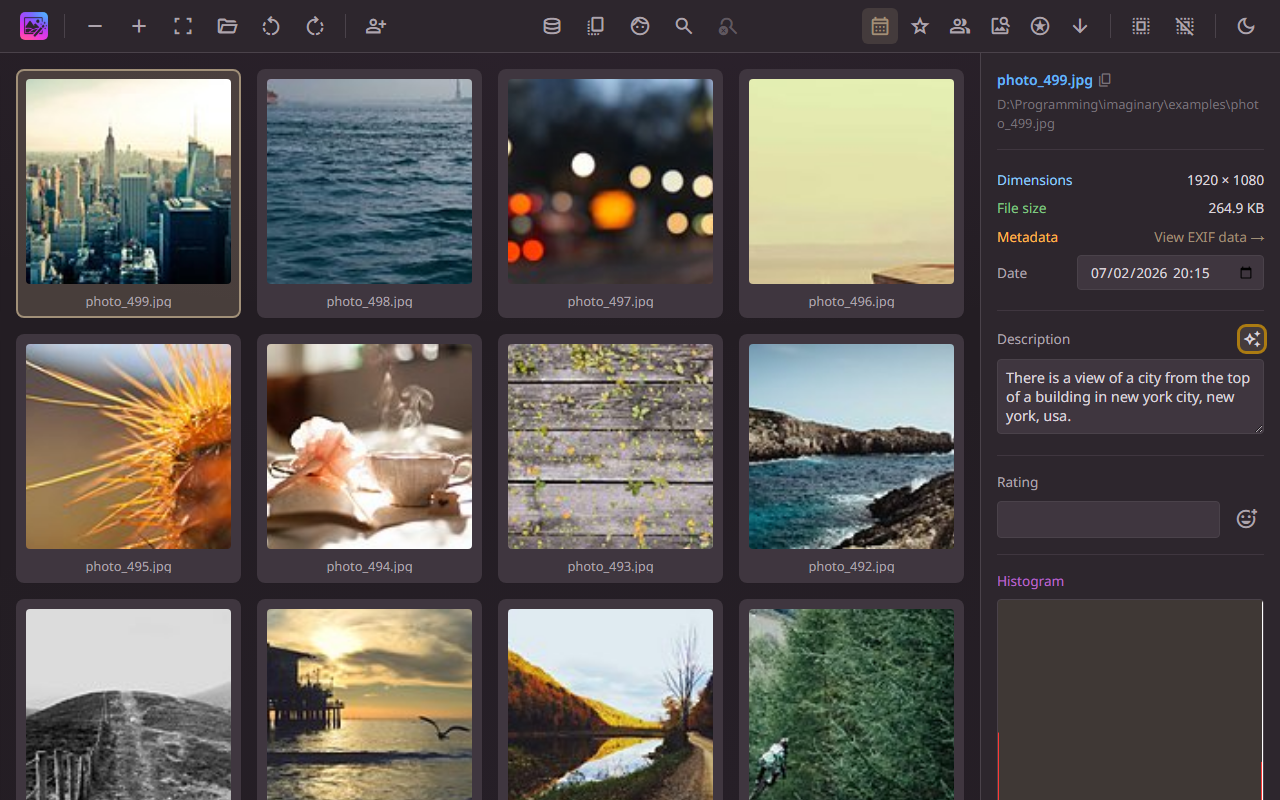
AI-Powered Search

Describe what you're looking for in natural language — Photonarium understands the content of your images.

Face Recognition

Automatic face detection and recognition. Name faces and Photonarium finds them for you.

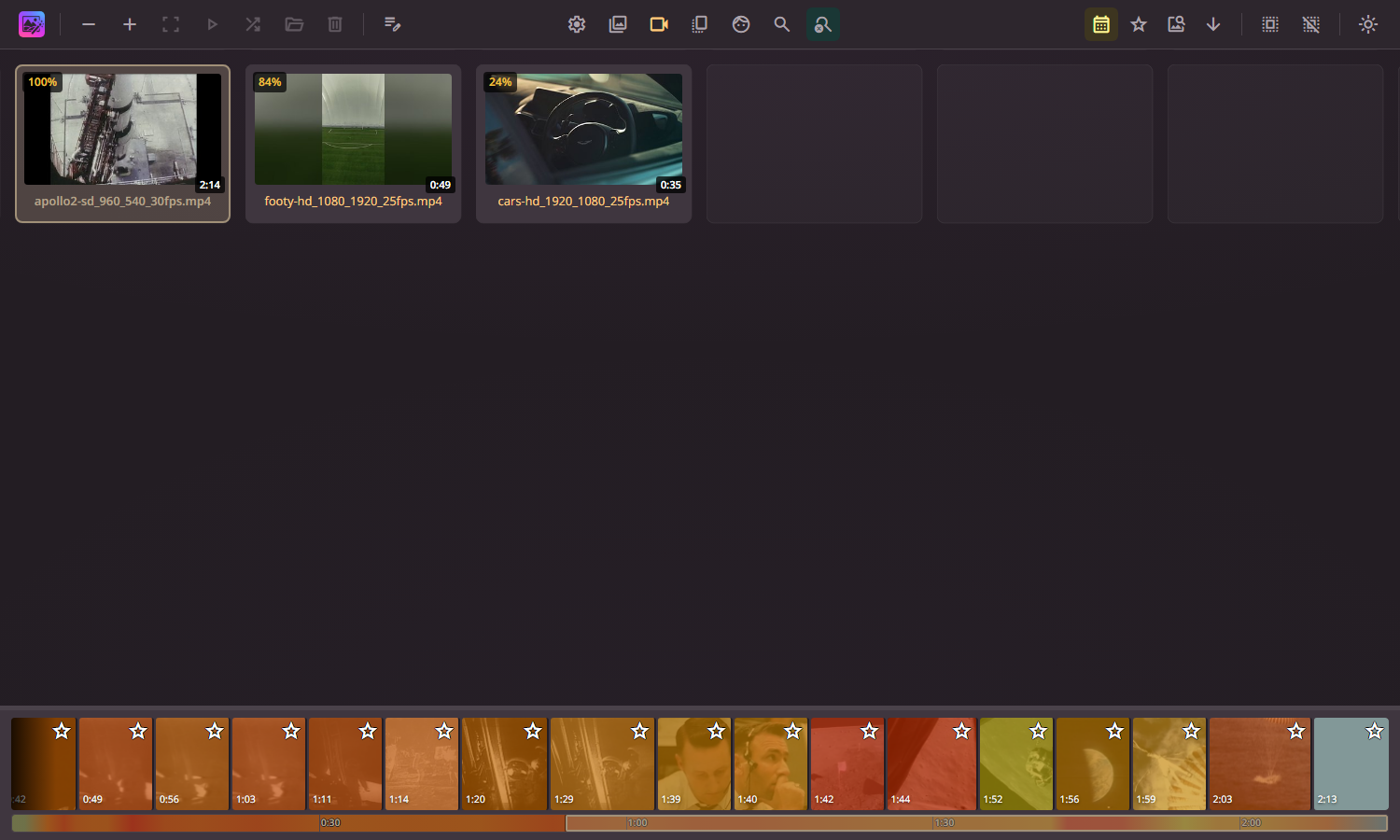
Duplicate Detection

Four levels of similarity detection — from identical copies to thematically related images.

Camera Data

Full camera data extraction. Search and filter by camera, lens, ISO, aperture, and more.

100% Offline & Private

Runs entirely on your machine. No cloud, no accounts, no tracking. Your images never leave your computer.
Quality Scoring

AI aesthetic scoring ranks your images by visual quality. Find your best shots instantly.

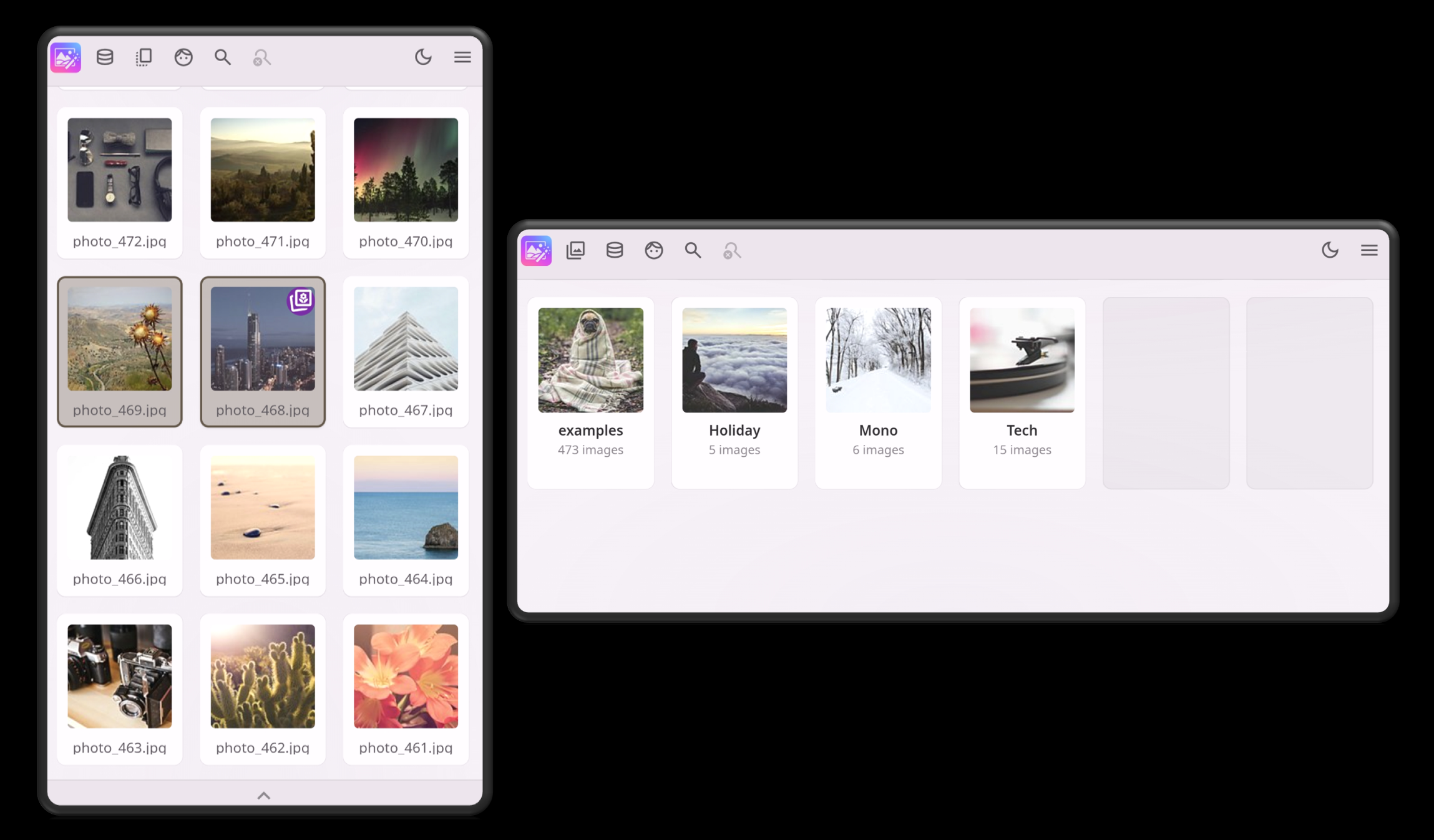
See it in action

Getting Started

1

Download

Grab the latest release from GitHub and extract the archive.

2

Install dependencies

Create a Python virtual environment and install the required packages. Requires Python 3.11.

3

Download models

Run python download_models.py to fetch the AI models (one-time download, ~4 GB).

4

Launch

Run python app.py and open your browser. Add your image folders and start exploring.

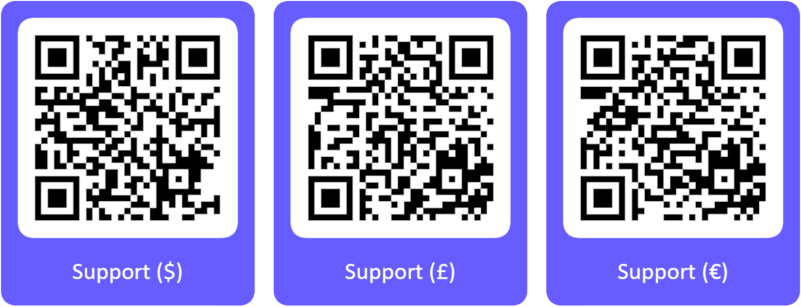
Support Photonarium

Photonarium is free, open-source software licensed under Apache 2.0. If you find it valuable, consider supporting its continued development.

QR codes for USD, GBP, and EUR payment links